Windows Hello for Business
Windows Hello for Business replaces passwords with hardware-backed, phishing-resistant authentication using TPM-protected cryptographic credentials verified through a user gesture — PIN, fingerprint, or facial recognition. Unlike traditional MFA methods vulnerable to real-time phishing and push notification fatigue attacks, Windows Hello binds authentication credentials to a specific device making remote credential theft technically infeasible. It is Microsoft's recommended path to passwordless authentication and a cornerstone of any Zero Trust identity strategy.
What is Windows Hello for Business
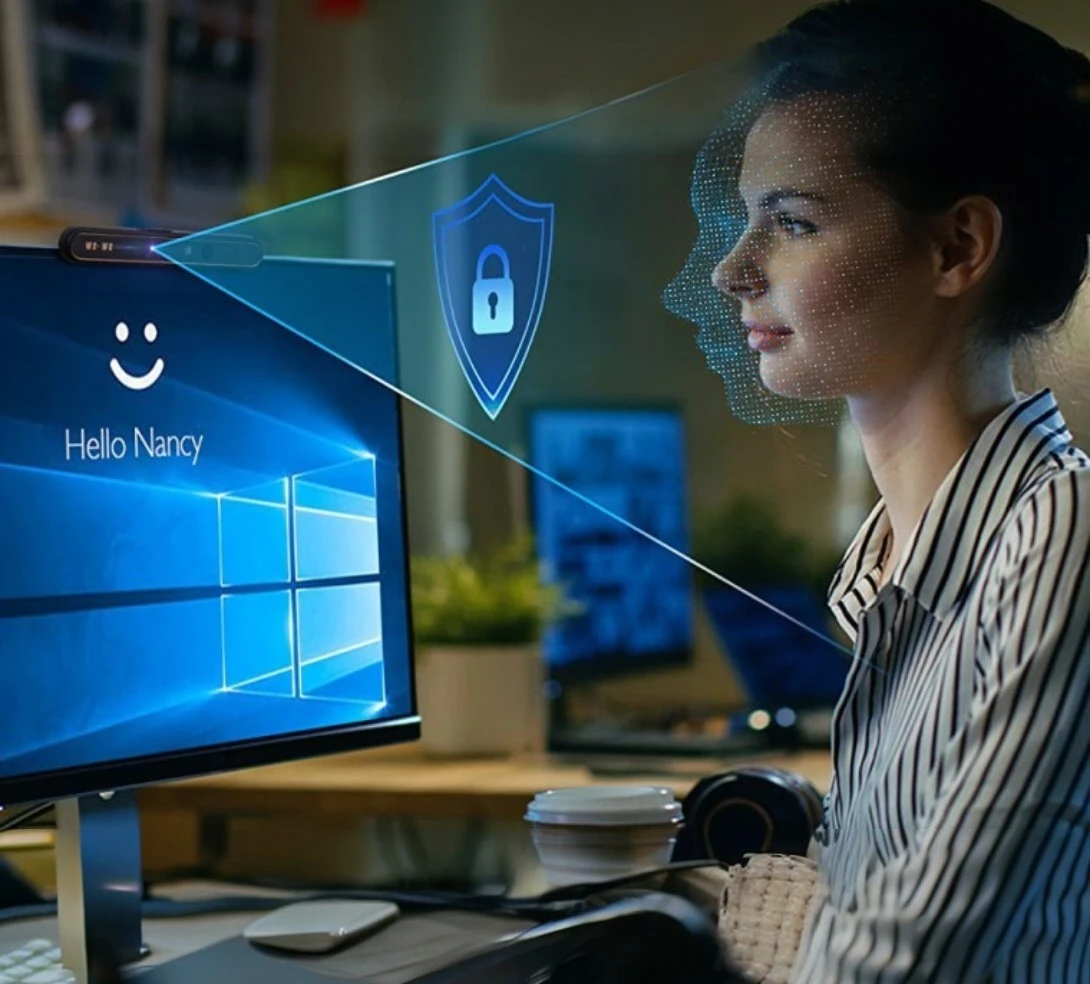

Passwordless Authentication Framework
Windows Hello for Business (WHFB) replaces traditional passwords with strong two-factor authentication combining a device-bound cryptographic credential with a user gesture (PIN, fingerprint, or facial recognition). The credential is tied to a specific device and never leaves it, eliminating password-based attack vectors including phishing, credential stuffing, pass-the-hash, and password spray attacks that account for the majority of identity-based breaches.
We act as an extension of their IT team, responsible for day‑to‑day operations, security monitoring, incident response, and continuous optimization. Our focus is on reducing risk, improving reliability, and ensuring the environment evolves as business needs change. Rather than reactive support, we deliver proactive management, governance, and visibility—allowing clients to focus on their business while we ensure the platform remains secure, compliant, and performing as intended.

Phishing-Resistant MFA by Design
Unlike traditional MFA methods (SMS OTP, push notifications) that can be bypassed through real-time phishing proxies or MFA fatigue attacks, Windows Hello for Business uses asymmetric key cryptography anchored in the device TPM. The private key never leaves the device, and the authentication proof is bound to the specific service being accessed, making it inherently resistant to man-in-the-middle attacks and remote credential theft attempts.

TPM-Backed Key Protection
Windows Hello for Business leverages the Trusted Platform Module (TPM) to generate and protect private key material within hardware security boundaries. TPM-backed keys cannot be exported, duplicated, or used on another device, ensuring that even if a device is compromised at the OS level, the authentication credential remains protected by hardware attestation. This hardware-rooted trust is the foundation of Zero Trust device authentication.

Hybrid and Cloud Deployment Models
Windows Hello for Business supports multiple trust models accommodating diverse infrastructure configurations: Cloud Kerberos Trust (recommended, simplest hybrid deployment), Key Trust (on-premises PKI-free cloud auth), Certificate Trust (PKI-based, supports smartcard replacement), and Cloud-Only (Entra ID joined devices). Each model has specific infrastructure prerequisites, authentication flows, and use case suitability enabling organizations to adopt password less authentication regardless of their identity architecture maturity.

Integration with Microsoft Entra ID and Conditional Access
Windows Hello for Business credentials are recognized by Microsoft Entra ID as a phishing-resistant authentication method satisfying Authentication Strength policy requirements. Conditional Access policies can require Windows Hello specifically for accessing high-value applications and administrative portals, ensuring the strongest available authentication method is enforced for sensitive resource access while allowing less restrictive methods for lower-risk applications.

Biometric and PIN Credential Management
Hello for Business supports Windows Hello biometrics (facial recognition via IR camera, fingerprint via compatible sensor) and PIN as user verification gestures. PINs are device-local and are not network credentials -- they unlock the TPM-protected private key rather than being transmitted or stored in a central directory. Enterprise policies control PIN complexity, length, history, and expiry, while biometric enrollment and revocation are managed through Intune configuration profiles and Group Policy.
How Red X Carbon Does Windows Hello
for Business Differently

Trust Model Assessment &
Architecture Design
We conduct structured assessments evaluating organizational infrastructure (PKI maturity, domain controller versions, Entra Connect configuration, device TPM posture) to recommend and architect the optimal Windows Hello for Business trust model. Our engineers design end-to-end deployment architectures including domain controller certificate requirements for Hybrid deployments, Cloud Kerberos Trust configuration, Entra ID Kerberos server provisioning, and policy framework design ensuring a reliable and scalable password less deployment.
Phishing-Resistant
Authentication Strategy
We develop comprehensive authentication modernization roadmaps positioning Windows Hello for Business as the cornerstone of a phishing-resistant MFA strategy. Our architects design Authentication Strength policies in Conditional Access requiring FIDO2 or WHfB for administrative access, align WHfB deployment with NIST 800-63B AAL2/AAL3 requirements, and integrate WHfB into broader Zero Trust frameworks addressing identity, device, application, and network security controls in a unified security architecture.

Intune Policy Design & Rollout
Management
Deep expertise designing Windows Hello for Business configuration profiles in Microsoft Intune including TPM attestation requirements, PIN complexity policies, biometric enablement, enhanced sign-in security (ESS), and credential guard integration. We architect phased rollout strategies using Intune deployment rings, design pilot validation procedures, and build monitoring dashboards tracking WHfB enrolment success rates, provisioning failures, and gesture usage analytics to ensure rollout quality and adoption visibility.

PKI & Certificate Trust Engineering
For organizations requiring Certificate Trust deployments (smartcard replacement, legacy application compatibility), we design and implement the full PKI infrastructure including Certificate Authority hierarchy, certificate template configuration, autoenrollment via NDES or SCEP, Intune PKCS/SCEP connector deployment, and WHfB certificate lifecycle management. Our engineers validate certificate chain trust, configure Online Responder (OCSP) services, and implement certificate revocation workflows supporting long-term WHfB certificate trust operations.

TPM Health Assessment & Remediation
Many organizations discover TPM compliance issues (TPM 1.2 devices, disabled TPM firmware settings, corrupted TPM state, unsupported TPM attestation) that block Windows Hello for Business enrolment at scale. We conduct fleet-wide TPM health assessments using Intune hardware inventory and Graph API reporting, develop remediation playbooks for common TPM failure modes, and design exception handling processes for non-TPM devices requiring alternative phishing-resistant authentication methods.

User Adoption & Help Desk Enablement
Passwordless transitions require structured change management to succeed. We design end-user communication campaigns, self-service provisioning guides, and IT help desk runbooks covering WHfB enrollment, biometric reset procedures, device recovery scenarios (PIN reset, lost device workflows), and break-glass authentication procedures. Our adoption frameworks include success metric definitions, enrollment funnel monitoring, and feedback loops enabling organizations to identify and resolve adoption blockers before broad deployment.
